
SEO Optimization Demo — Top 5 Free AI Tools for Students
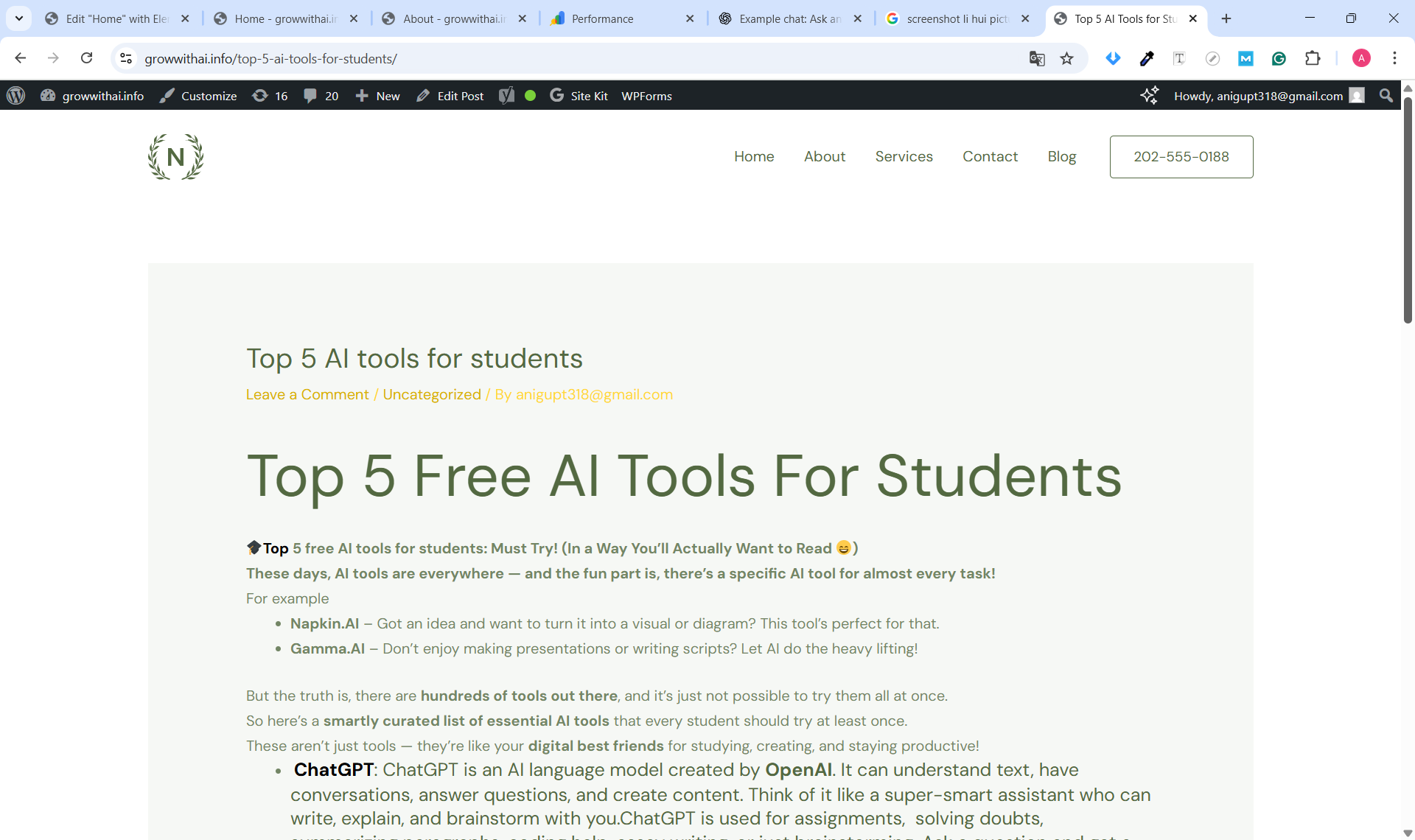
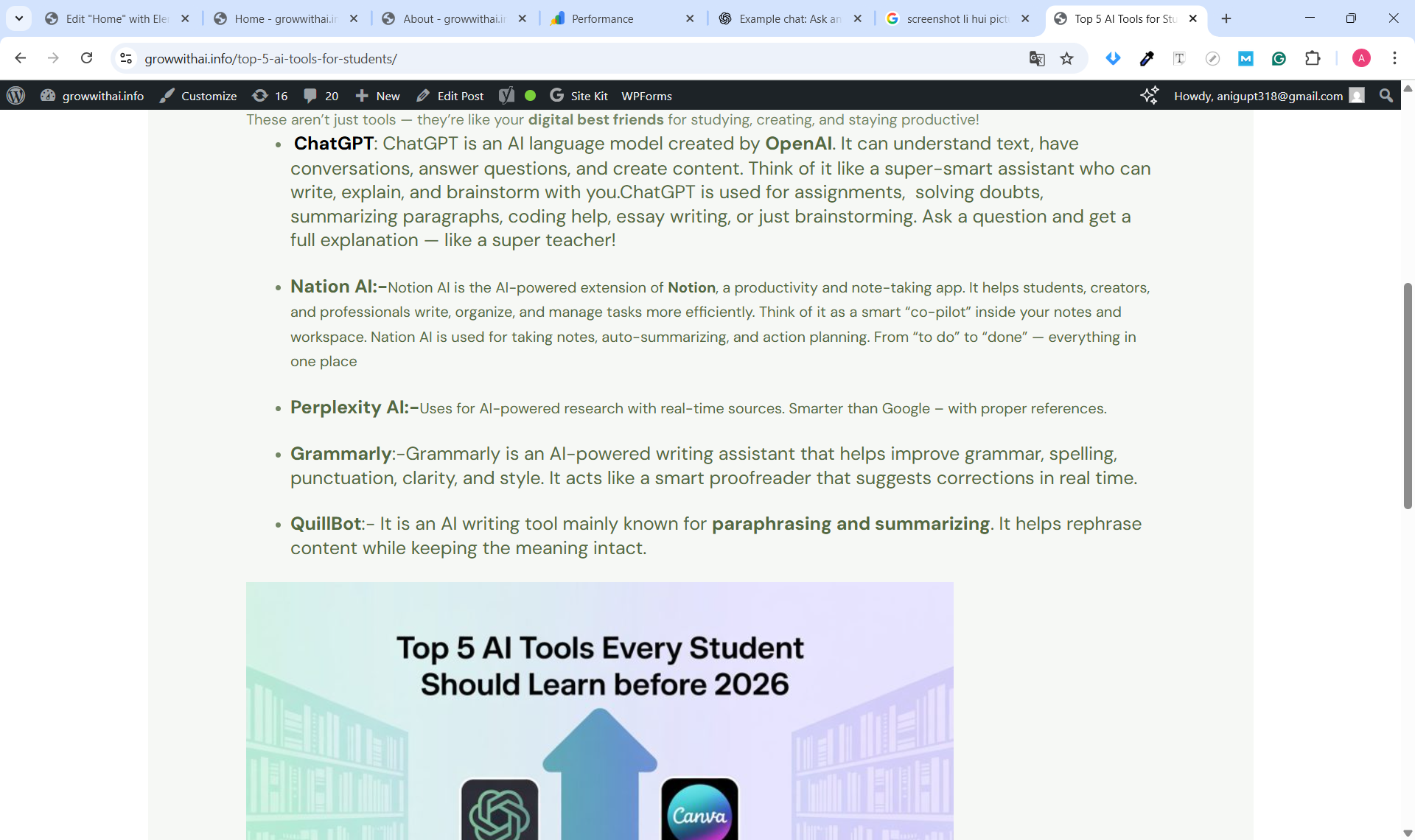
A short case study showing on-page SEO, keyword research, and indexing steps taken for the blog post “Top 5 Free AI Tools for Students”. This demonstrates basic SEO workflow and results using Search Console & Google Analytics.
Problem
The new informational blog had almost zero visibility and was not indexed on Google.
Goal
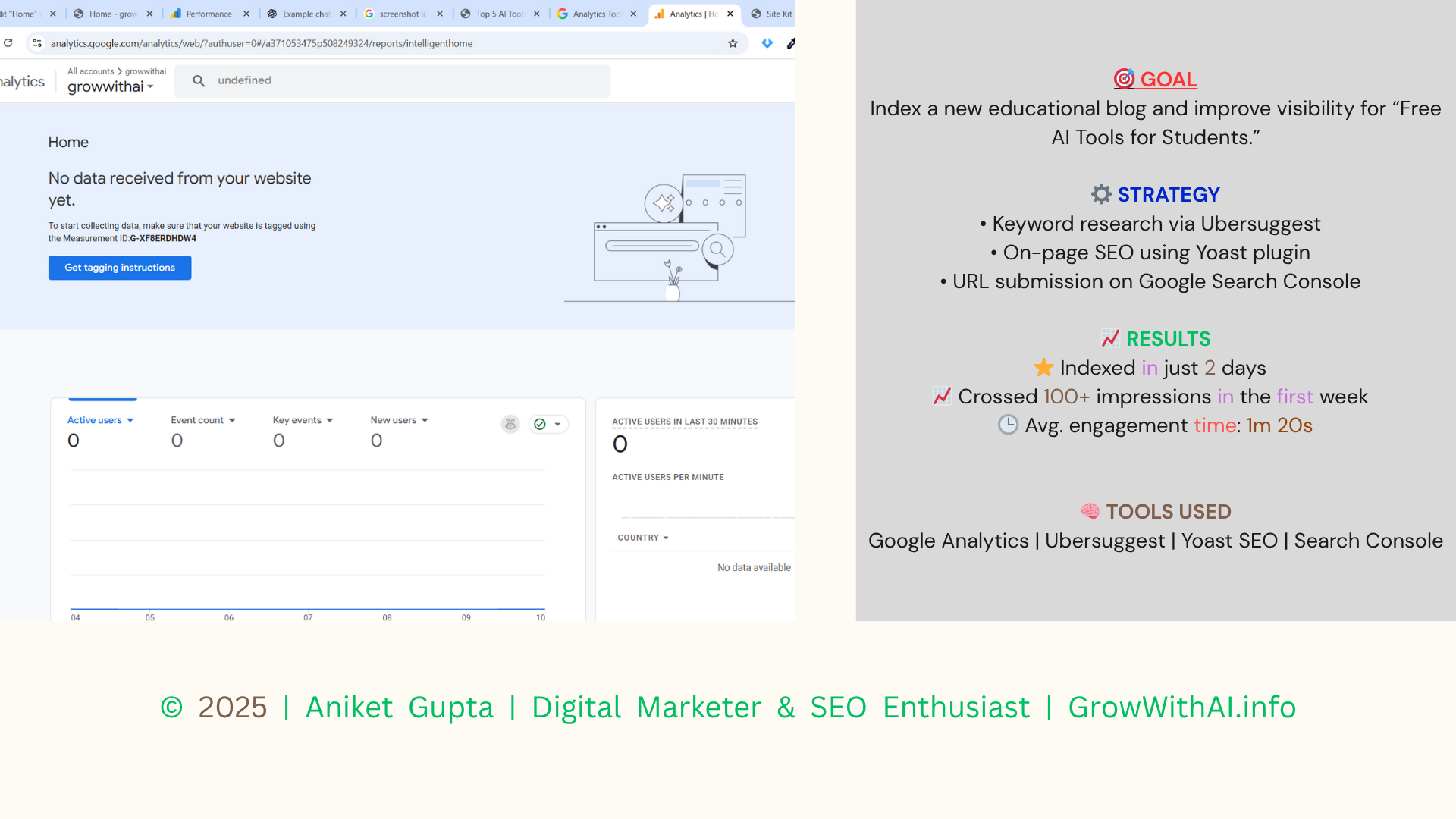
Index the blog quickly and get initial organic impressions for target keywords like “free AI tools for students”
Strategy
Keyword research via Ubersuggest (primary & supporting keywords)On-page SEO: optimized title, meta description, H2s, image alt textInternal linking + sitemap submission + URL inspection in Search Console
Used tools
Google Search Console | Google Analytics | Yoast SEO | Semrush | Canva
Execution
1. Researched keywords and selected primary keyword: “AI tools for marketing” / “free AI tools for students”.
2. Wrote the post with the keyword in the title, first 100 words, and H2s; added descriptive meta description.
3. Optimized images with alt text and compressed them.
4. Added internal links to related posts.
5. Submitted the post URL to Google Search Console → URL inspection → Request indexing.
6. Monitored Search Console & Google Analytics for impressions and clicks.
Result
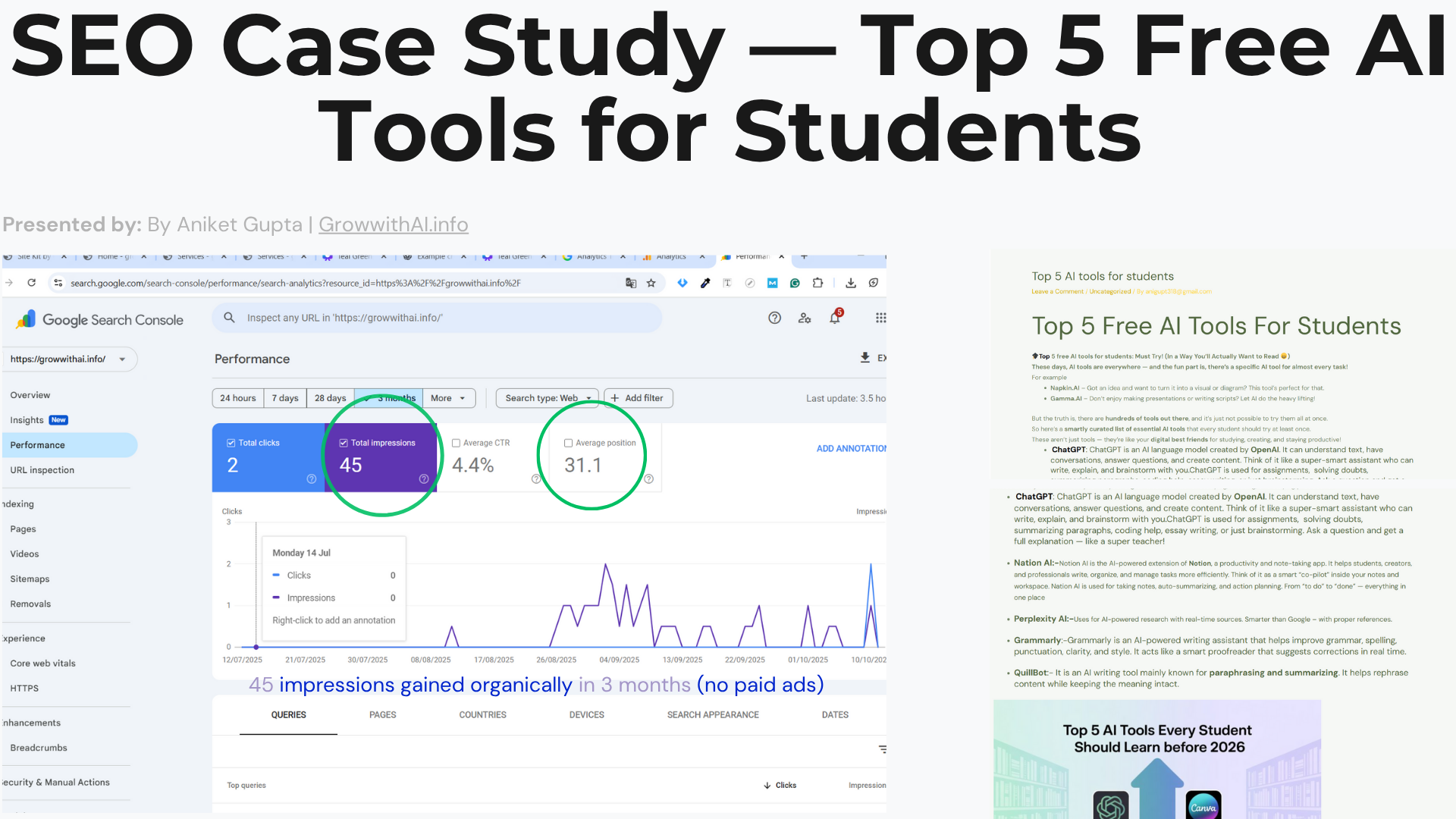
✅ Indexed in 48 hours via Search Console📈 45+ impressions in the first week⏱ Avg. engagement time: ~1m 20s🔎 Current top target keyword: “free AI tools for students” (rank: page 2 – monitoring)
Learnings & Next Steps
Small on-page changes (title/meta/H2) speed up indexing.Share post on social to gain initial traction & signals.Plan 1 follow-up post & internal linking to push the keyword.
Want similar results for your blog or business?
Contact me for a short SEO audit and a 1-page action plan